26.03 Phenomenal Phoenix ships with over 40 new capabilities and 20% faster startup times.
This release pushes automation to the next frontier: workflows that learn, remember, and adapt over time, already trusted with more than 2,000 deployed agents in production.
Watch our release webinar below as Andrew Sartorelli, Head of Partnerships, Daniel Siegel, Chief Product Officer, and Ram Seetharaman, Head of AI, walk through what shipped. This release was presented live at the Synera Experience Day on March 19, 2026.
New Features
Synera AI agents, now available for everyone
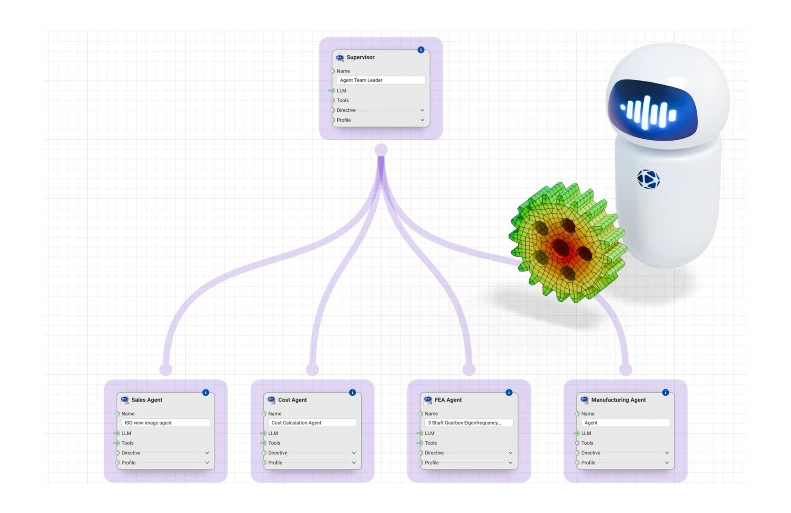
Build your own AI agents to automate engineering tasks and collaborate on multi-domain processes, then deploy them across your organization as domain experts available around the clock:
- Agents continuously learn from your interactions, turning distributed human expertise into an evolving knowledge layer across your organization
- A Remember This action on any chat message teaches an agent how an expert engineer would make that call, from pricing rules to design trade-offs
- Creators can see which knowledge items get used and how often, and consumers can rate a response up or down, feeding that feedback back into how the agent behaves next time
Smart publishing
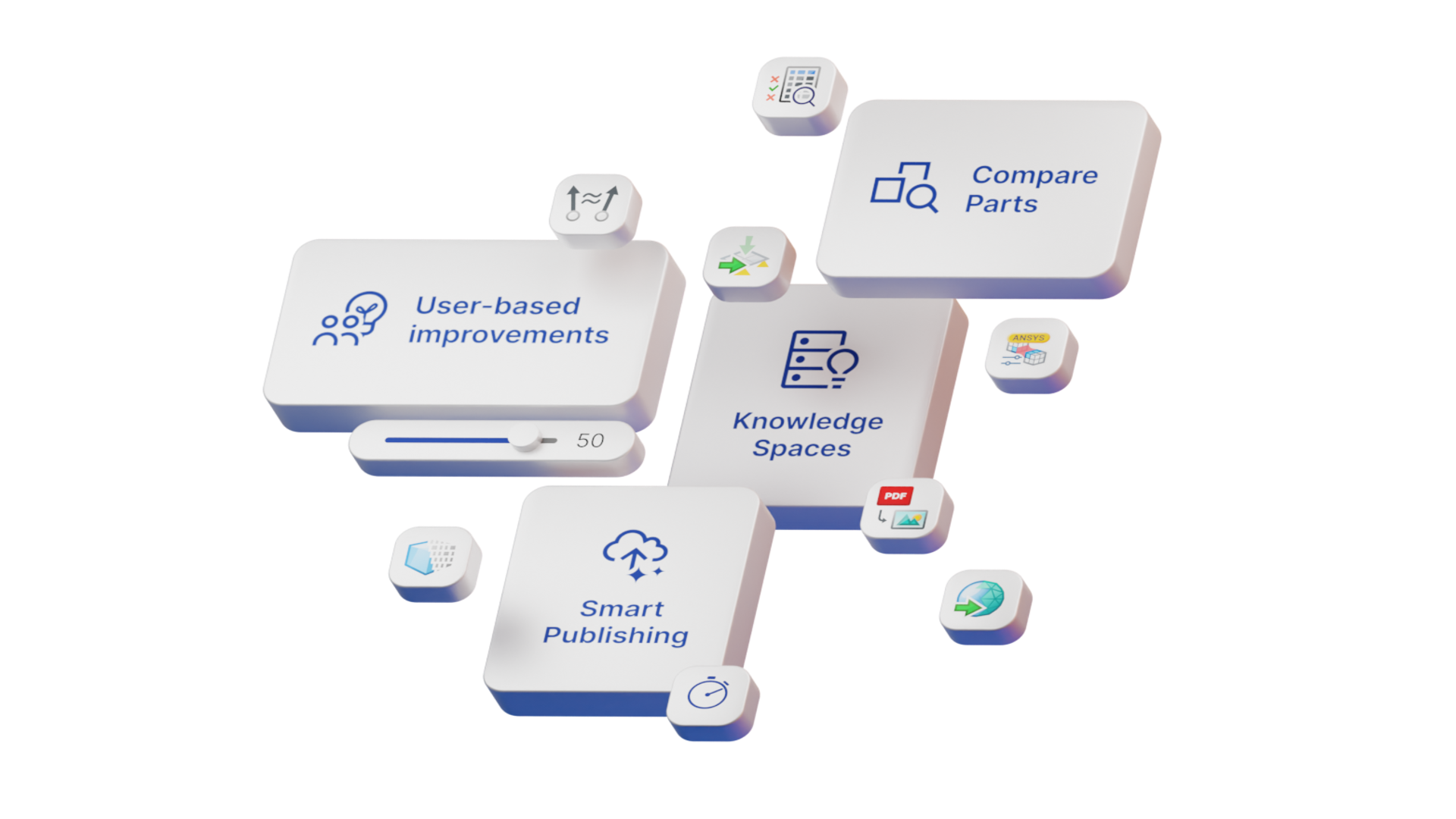
Publishing workflows and multi-agent systems to your Synera Server just got easier:
- Unified publishing puts Run and multi-agent workflows on the same server and the same sidebar, so there is only one deployment tab to learn
- Intelligent input handling means wires connected to workflow inputs are now ignored by Synera Run, so you do not have to rewire your test input data after publishing
- Run workflows can be made available to Synera agents with a single click
CFD comes to Synera
- Synera now supports polygon and polyhedron elements, with first CFD results importable from CGNS files
- FEA contacts improve alongside it: contacts get better for Abaqus/Standard and Ansys, and are added for MSC Nastran
- Face sets allow more precise contact definition, and the cyclic symmetry boundary condition is now available for Ansys and OptiStruct
Part comparison
Vectorize Body and Vector Similarity turn CAD geometry into a fingerprint agents can search on, alongside an updated Proximity Search:
- Vectorize Body extracts a deterministic, rule-based geometric feature vector describing the shape and structure of a solid or surface body, built for fingerprinting, similarity search, and comparison
- Vector Similarity computes the similarity between two vectors using Euclidean distance, cosine distance, or cosine similarity
- Proximity Search gains a new Vector search mode input, so the same nodes can scan a database of parts for the closest match to the one you're designing now
Improvements and integrations
- The Ansys Contact Settings node now supports friction coefficients
- Shell material orientation now exports to the Nastran solver deck as a theta angle, and the same support extends to Ansys alongside OptiStruct
- The new Nexus Compute Connector add-in runs Hexagon solvers such as MSC Nastran directly from Synera workflows, scaling simulation jobs in the cloud on Hexagon's pay-per-solve model
One more thing: one licensing model for MAS and Run
- Synera's multi-agent system and Run server now run on the same token system as the rest of the platform, so you can spin up an additional server to try either without a new license agreement
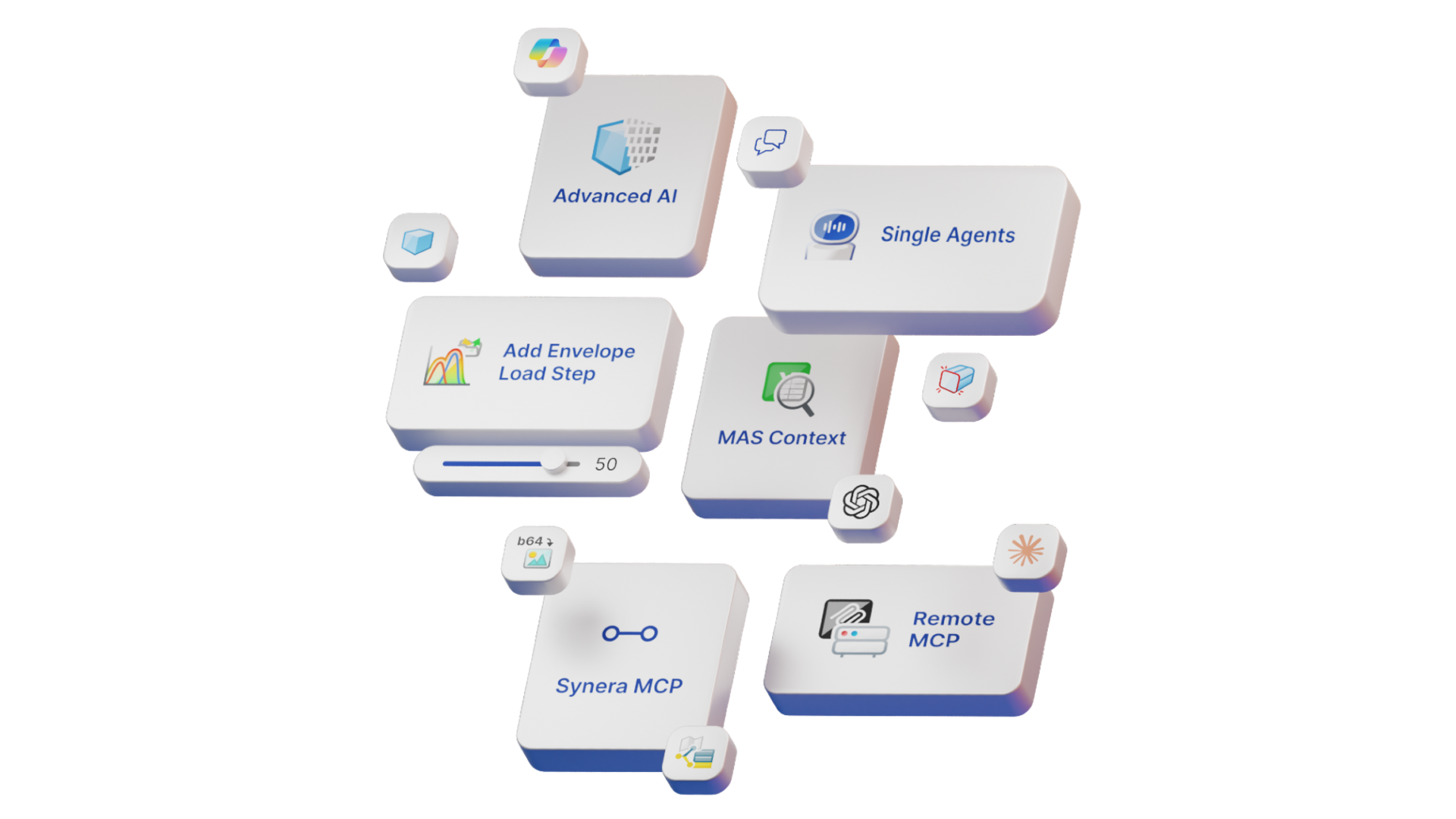
- The node editor's ML bundle is now the AI bundle, expanding with more agent nodes, starting with OpenAI Assistants
New nodes and improvements
As usual, this release is packed with new nodes and improvements. Here are the highlights:
New nodes:
- AI nodes, for building multi-agent system workflows
- Vector Similarity
- Vectorize Body
- PDF to Image
- Face Set nodes
- OpenAI nodes, for accessing OpenAI's LLMs
- MCP nodes, for communicating with MCP servers
- Field Vector container, for constructing vectors with more than three dimensions
- Nexus Compute Connector (add-in)
Improvement of nodes:
- Proximity Search adds a Vector search mode input
- Color Geometry can now color points, not just surfaces
- Read Excel File adds a Conversion input for strings to numbers, booleans, and dates, and now supports .xlsm
- Import Geometry as Mesh adds an Attributes output
- Import and Export Geometry nodes support a wider range of CAD and mesh formats
- Import FEA Model supports CGNS files
- The bounding box node adds a Quality input for more precise minimum box creation
- Material orientation support extends to Ansys, alongside OptiStruct
- The Ansys Contact Settings node adds friction coefficients
- Groups can now have titles, added with a double click
Improvements for Synera Run:
- Synera Server now covers both Synera Run and Synera's multi-agent system in one place, instead of two separate server sections
- Incoming wires or internalized data for Run inputs are now ignored in favor of your entered data, making debugging easier
- Installed add-ins are now visible on the server overview page
- Workflow progress now shows in real time in the session table