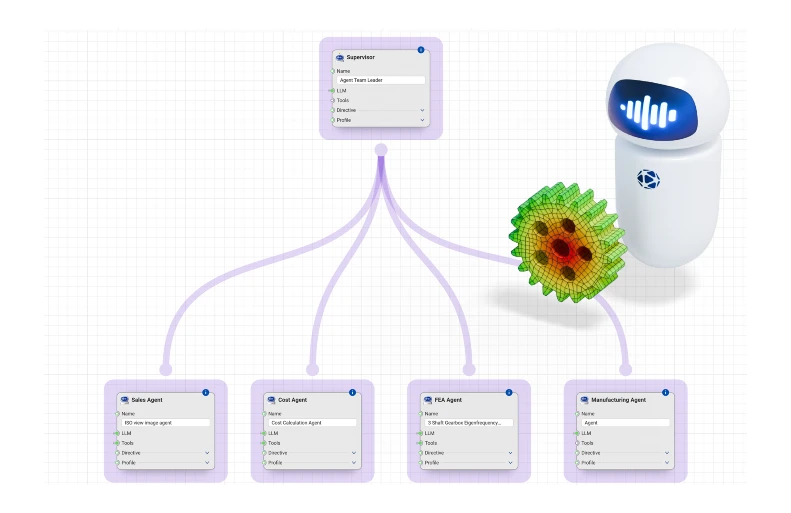
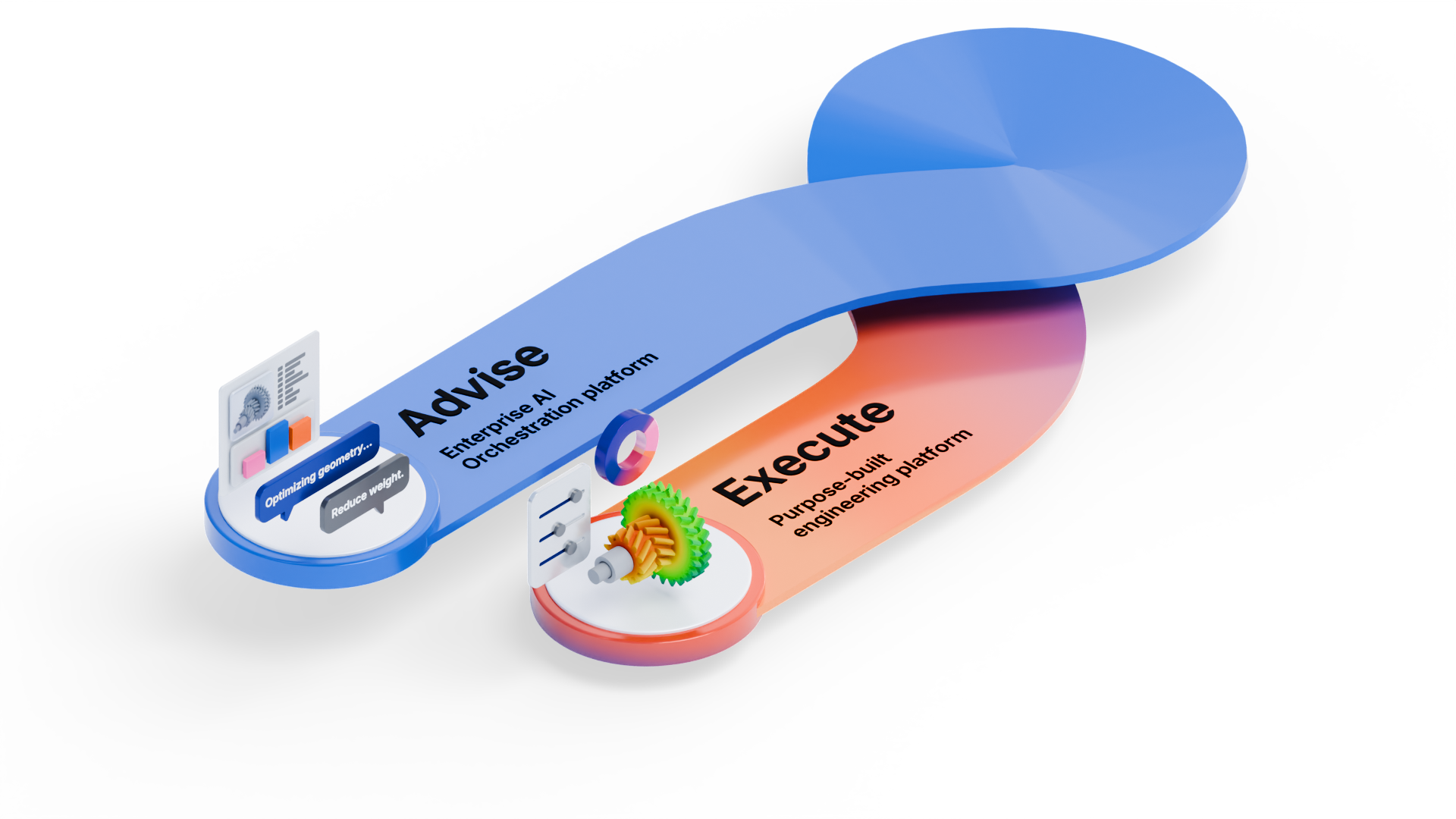
With the Abaqus integration for crash simulation in Abaqus Connector 7.1.1.0, your Abaqus/Explicit decks run inside a Synera workflow. You import a deck, change the input you want to study, solve it and pass the result on, without opening the file between runs.
What crash teams can do with the Abaqus integration
- Import the Explicit decks you already maintain, including the separate include files a deck pulls in and its standalone node and element sets.
- Keep the joints and sections: rigid fasteners come in as Synera spot welds, and rod elements and per-element shell thickness stay as they were.
- Change one input per variant, such as a shell thickness, a material or an initial velocity, and start the next solve from the same workflow.
- Solve with Abaqus FEA Solver and hand the result to the next step: a check, a report or the next variant.
- Export the model back to Abaqus with your changes in it.
What changes for your crash team
Without a workflow, each variant costs an analyst the same routine: open the deck, edit one input, start the solve, wait, copy the result on. With the connector, the workflow runs that routine and your analyst looks at the results.
The import keeps fasteners, rods and shell thicknesses, so nobody rebuilds the model before a solve. The variants your workflow runs use the same model your team already trusts.
How the Abaqus integration runs in a workflow
- Import Abaqus Model reads the Explicit deck.
- Your workflow changes the input you study, for example [EXAMPLE: the input a crash team varies first].
- Abaqus FEA Solver runs the Explicit analysis.
- The workflow checks the result, then starts the next variant or writes the report.
Models without an Explicit Dynamics step keep using the connector's existing Abaqus conversion.
What you need to run it
- Abaqus installed, with a working Abaqus license, on the machine that runs the workflow
- Synera 26.03 or later
- Runs in the Synera editor, in Run and in agentic workflows
Start with the deck you rerun most
Pick the crash deck your team runs most often and build the workflow around one input. Add the next input once the first loop runs clean.
Get Abaqus Connector in the Synera Marketplace.